
Duplicate and similar photos
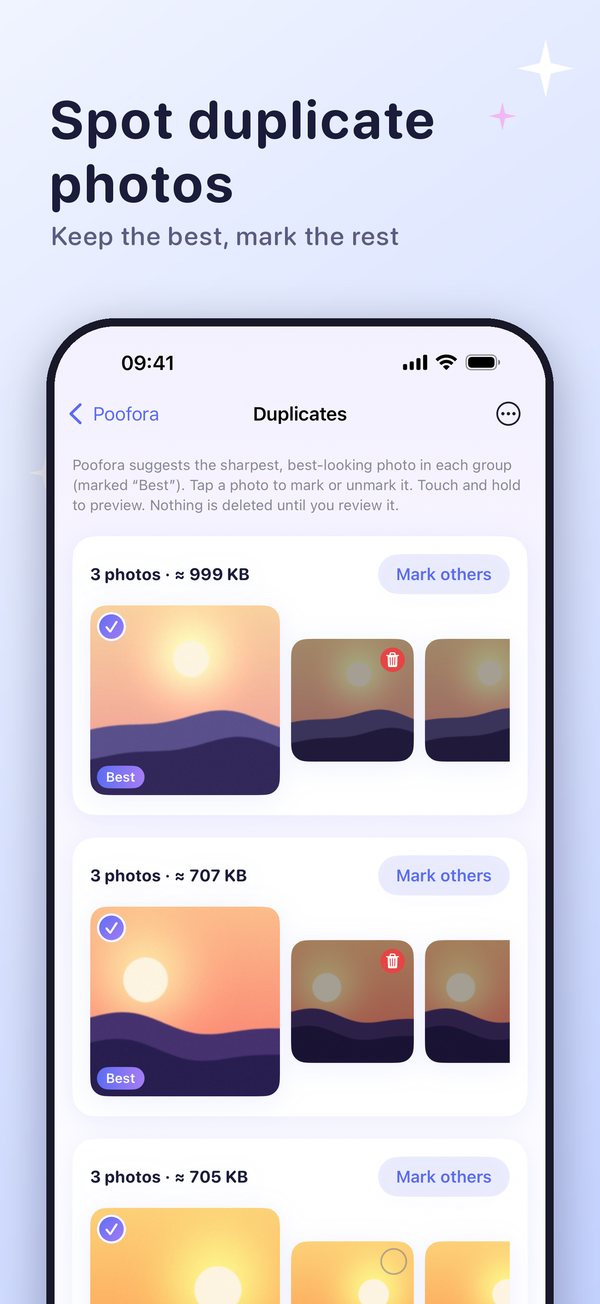
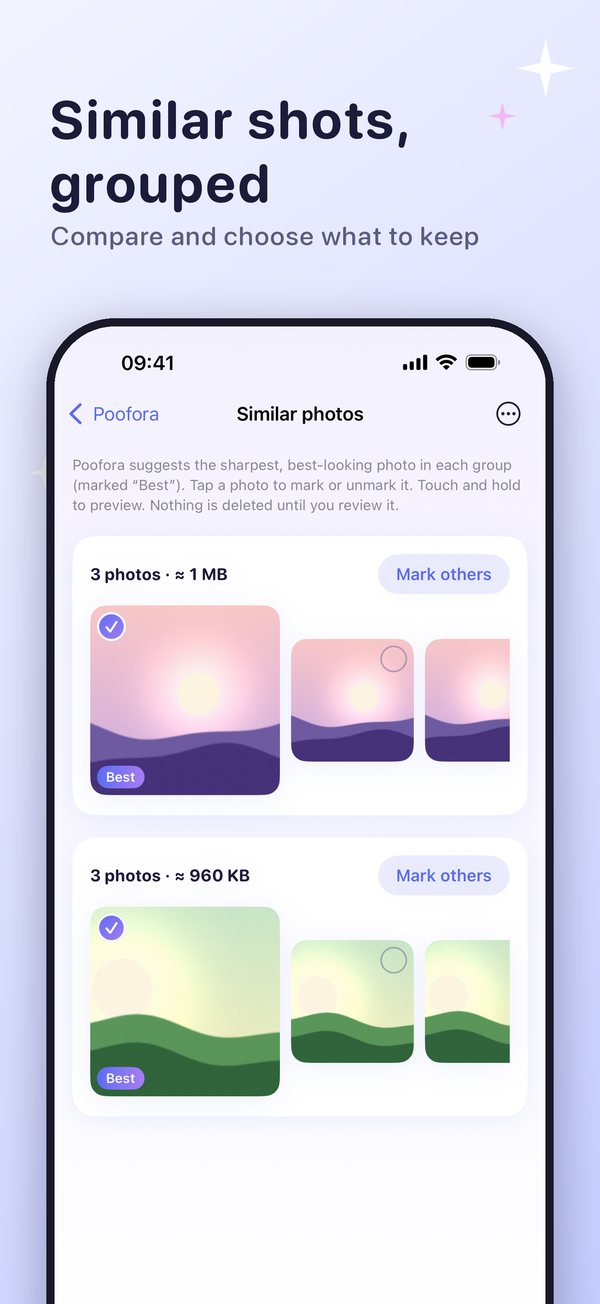
Finds near-identical photos and shots taken moments apart, and suggests a “Best” one to keep. You can change the choice.
 Poofora
Phone Cleaner for iPhone
Poofora finds duplicate and similar photos, big videos and duplicate contacts, shows them to you, and deletes only what you confirm.
Real tools, in plain words. Nothing that is not in the app.
Finds near-identical photos and shots taken moments apart, and suggests a “Best” one to keep. You can change the choice.
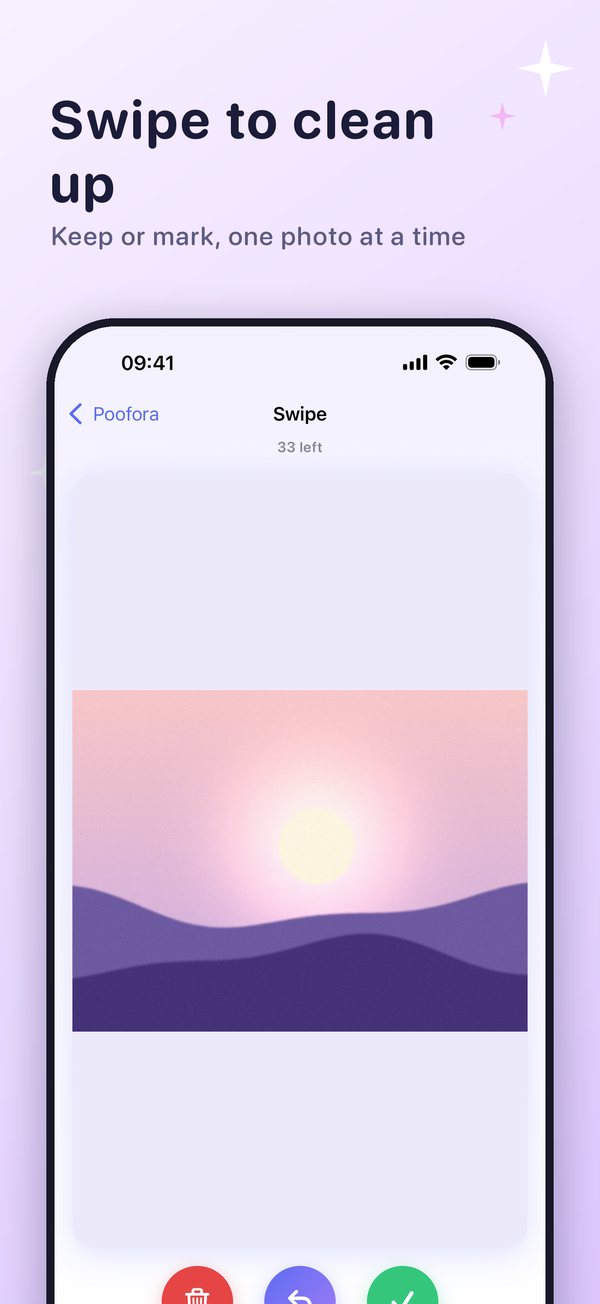
Go through your photos one by one and keep or mark each. Marked photos wait for your review.
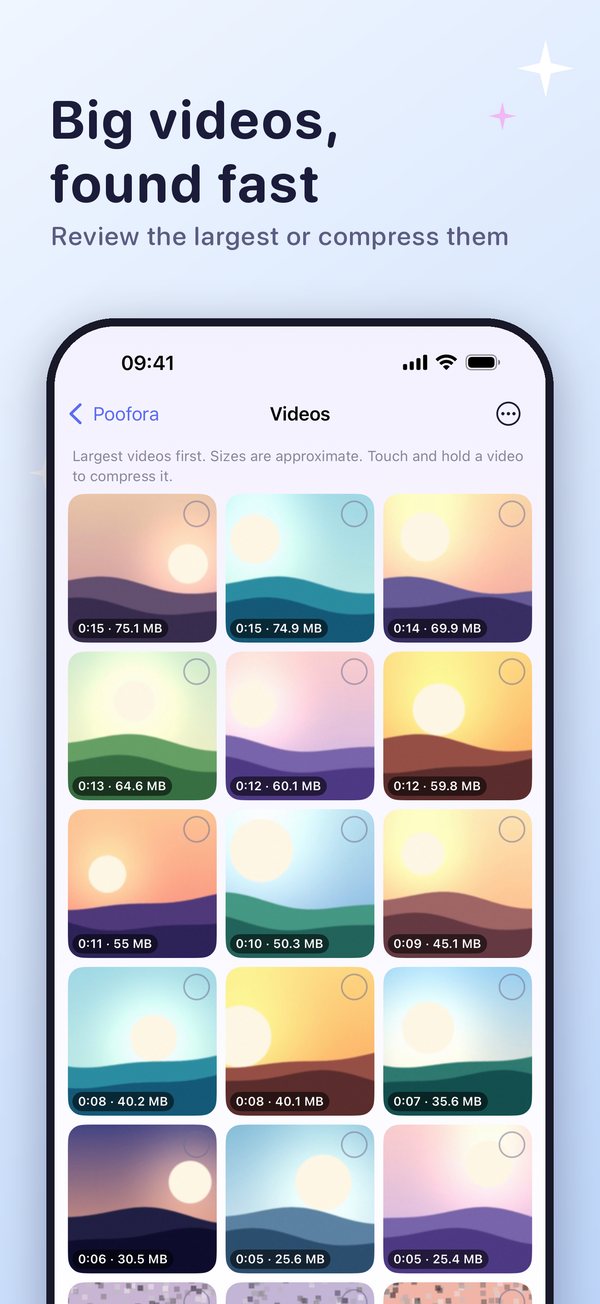
See your largest videos first. Review them, or save space by compressing a video into a smaller copy.
Turn Live Photos into still photos to save space, when you ask.
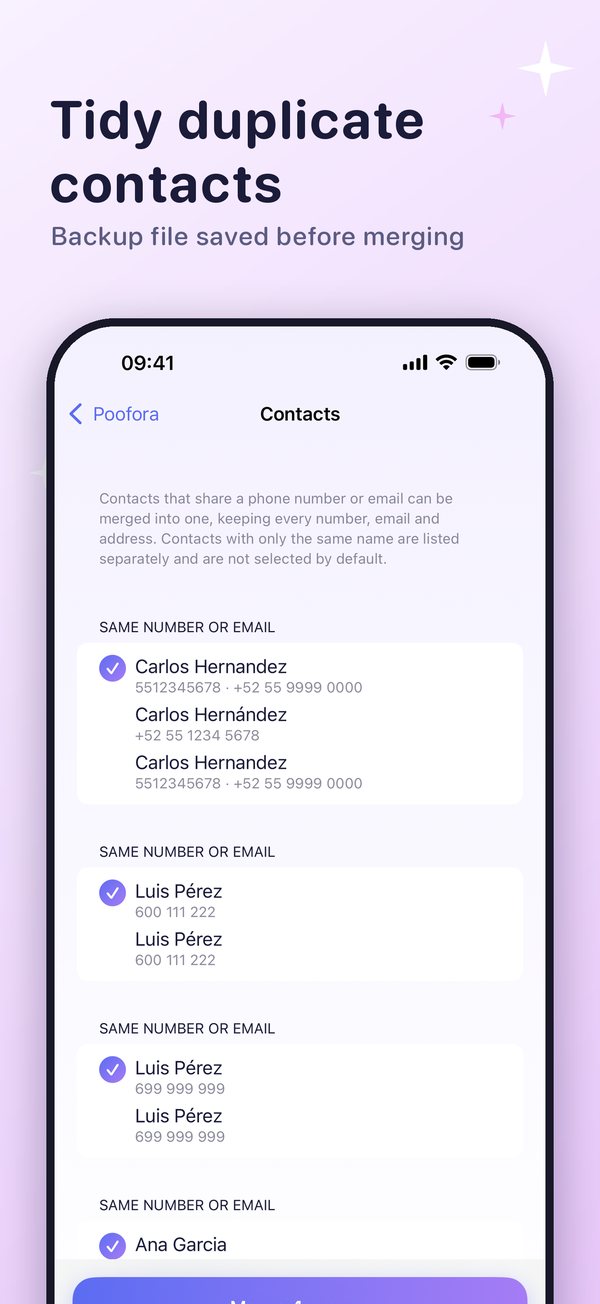
See who would be kept and who would be removed. A backup file is saved before anything is merged.
See used and free space on your Home Screen at a glance.
Poofora looks through your library on the iPhone and groups what looks the same.
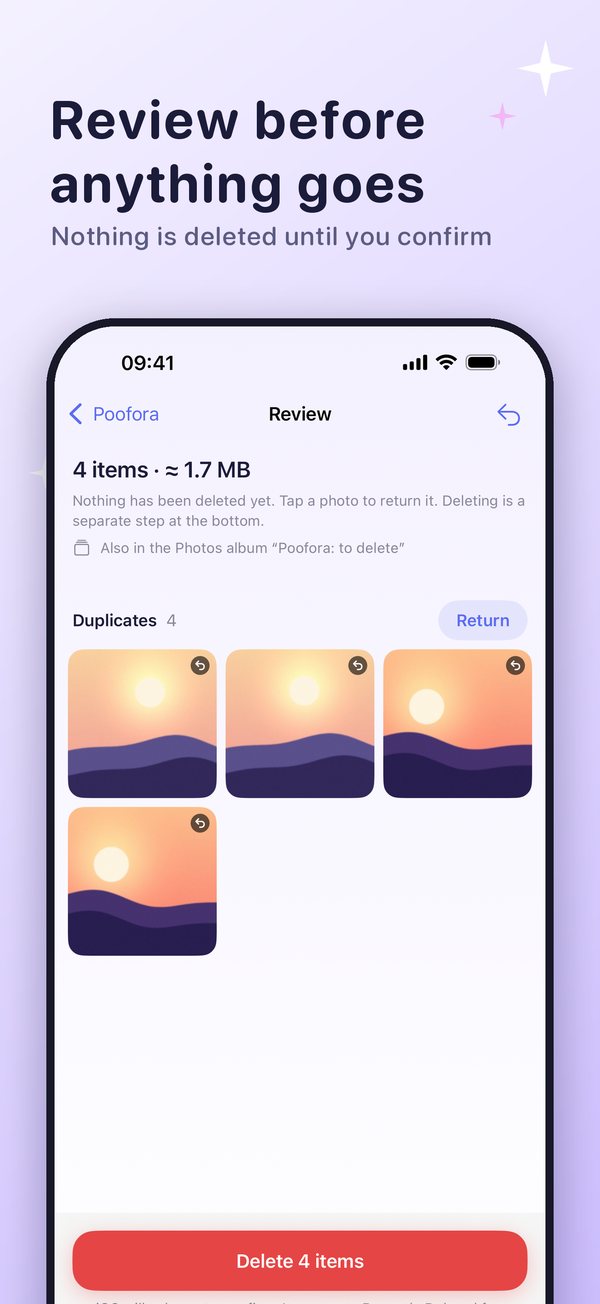
Mark what you want gone. Nothing is deleted yet. The Review screen shows exactly what is on the list.
Tap Delete, then confirm in iOS. Deleted photos go to Recently Deleted in Photos, where iOS keeps them for a limited time.
Real screens from the app.
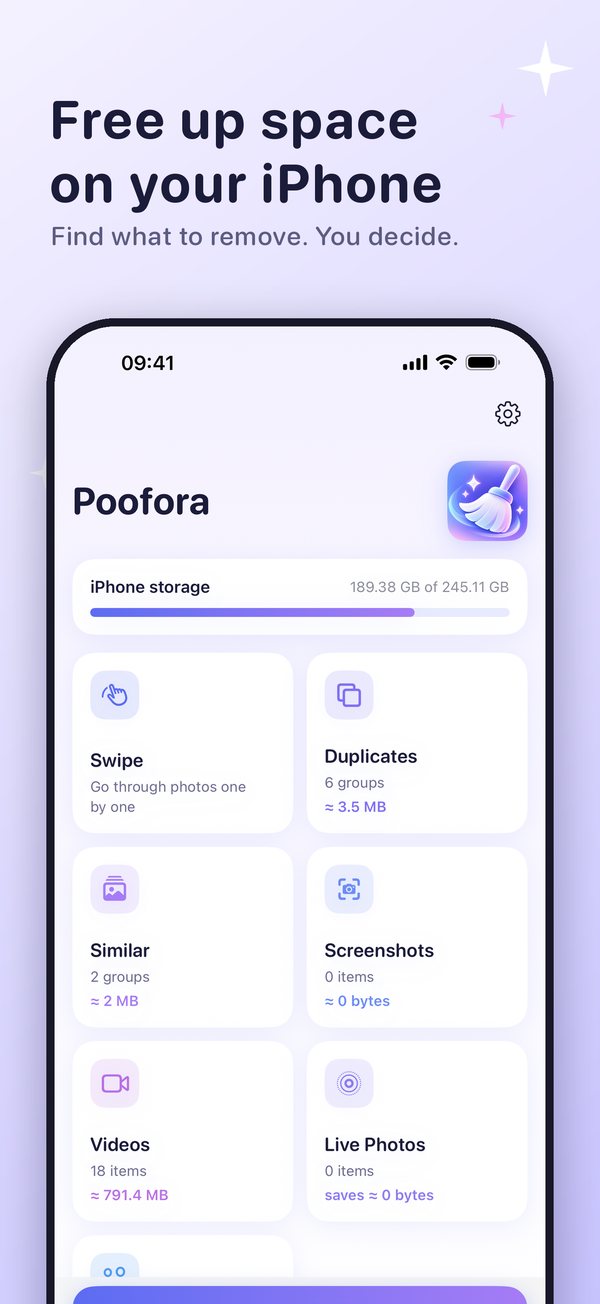
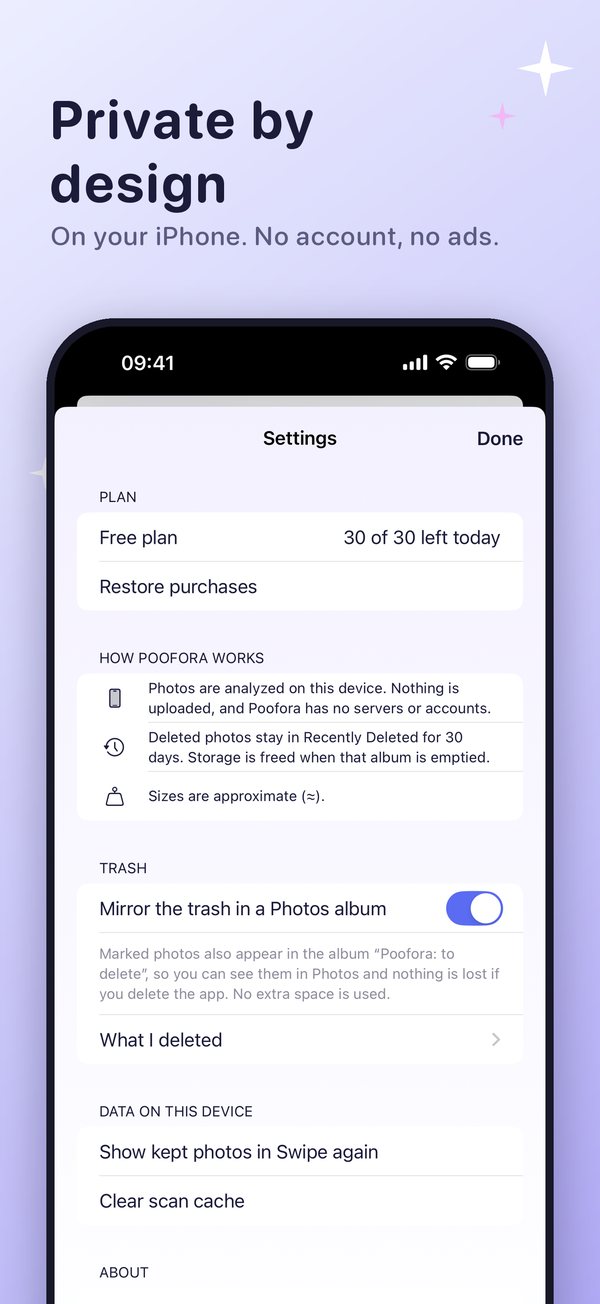
Your photos are analyzed on your iPhone with Apple’s built-in frameworks. Poofora has no account, no ads, no analytics and no server of ours. We do not collect your photos, videos or contacts.
Scan and review everything. Delete up to 30 items per day.
Removes the daily limit. Choose a yearly subscription or a one-time Lifetime purchase. Prices and any free trial are shown in the app before you buy.
The yearly subscription renews automatically unless you cancel at least 24 hours before the end of the period. Manage it in Settings > Apple Account > Subscriptions.
No. Photos are analyzed on your iPhone. Poofora has no server of its own and no account.
Yes, for a limited time. Open Photos > Albums > Recently Deleted, select the photo and tap Recover. Poofora cannot restore it for you.
iOS keeps deleted photos in Recently Deleted before they are gone for good. Space is freed when they leave that album. Sizes shown in Poofora are estimates.
Yes for photos stored on your iPhone. Photos that are only in iCloud may need a connection to preview.
A Photos album that shows the photos you marked. It uses no extra space and you can turn it off in Settings.
iPhone with iOS 17 or later.
30 languages, including English, Spanish, German, French, Italian, Portuguese (Brazil) and Russian.